CS2 skin price comparison platform. Compare prices across marketplaces, track inventory value, and access historical data via API.

Features

  • Compare
  • Browse
  • ROI
  • Trade-Up
  • Custom Indexes
  • Marketcap
  • CS2 Marketplaces & Scrapping Statuses
  • Pricing
  • API Documentation
  • Blog

Browse

  • CS2 Weapons
  • Rifles
  • Knives
  • Gloves
  • CS2 Cases
  • CS2 Capsules
  • CS2 Collections
  • CS2 Packages
Terms of ServicePrivacy PolicyCookie PolicySkinbase vs Pricempire

Powered by Steam. Not affiliated with Valve Corp. Copyright © 2026 Skinbase. All Rights Reserved.

Cookie Settings

We use cookies to analyze site traffic and improve your experience. By clicking Accept, you consent to our use of analytics cookies. Cookie Policy

Home
/Weapons
/Rifles

CS2 Rifles

Browse all Rifles in Counter-Strike 2 and compare live skin prices from many marketplace providers.

11 items
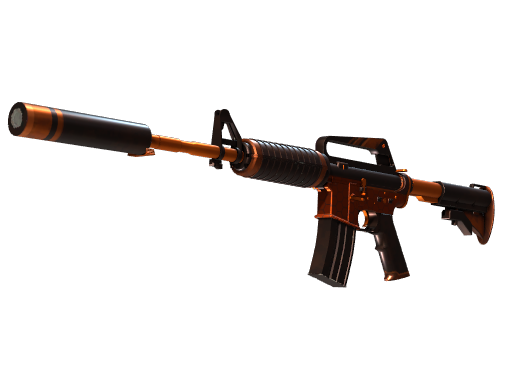
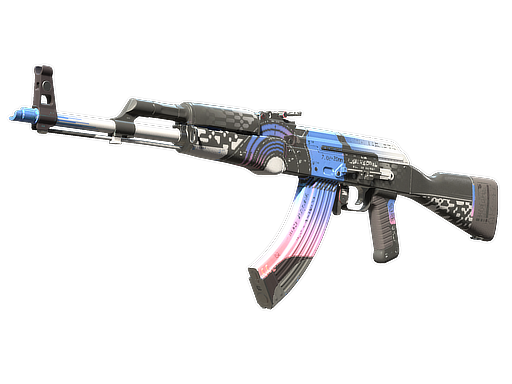
AK-47

AK-47

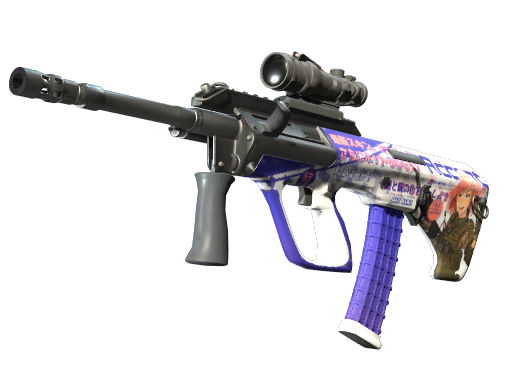
AUG

AUG

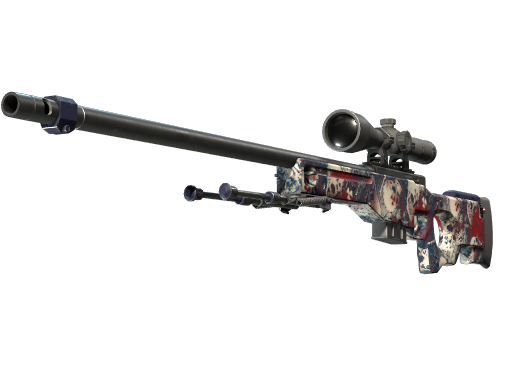
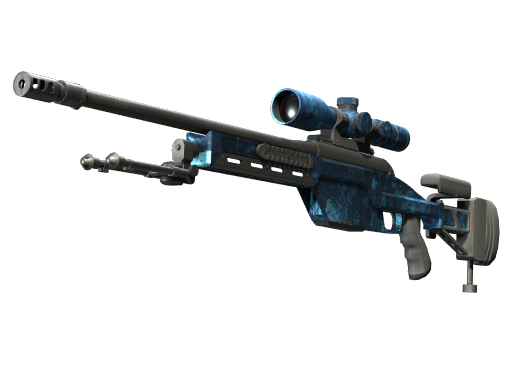
AWP

AWP

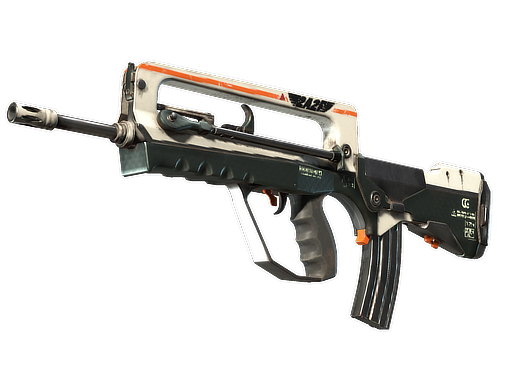
FAMAS

FAMAS

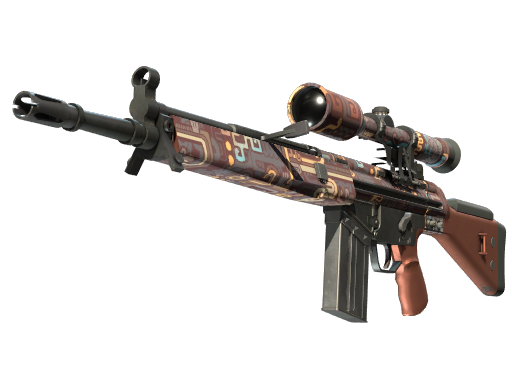
G3SG1

G3SG1

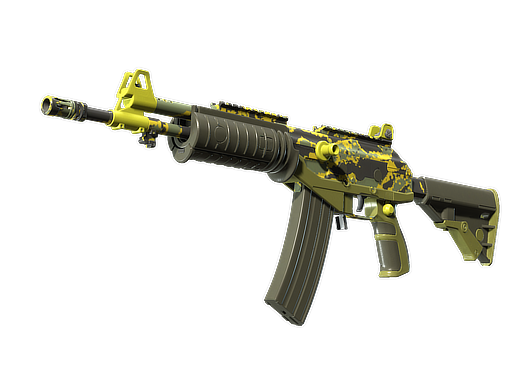
Galil AR

Galil AR

M4A1-S

M4A1-S

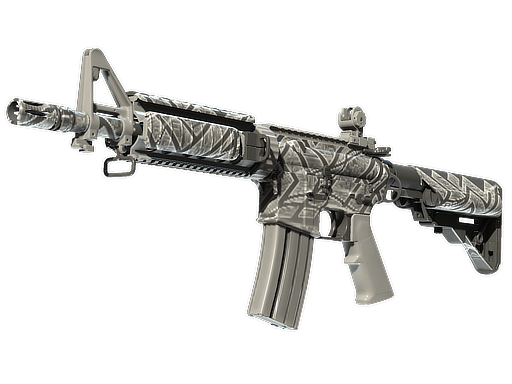
M4A4

M4A4

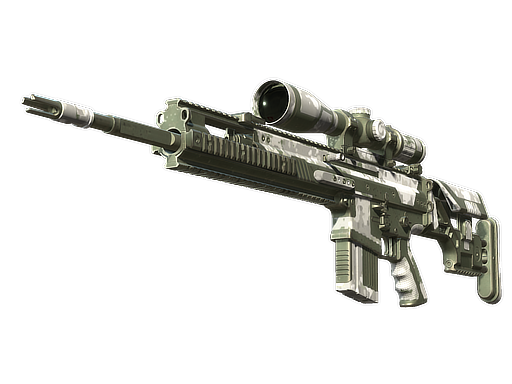
SCAR-20

SCAR-20

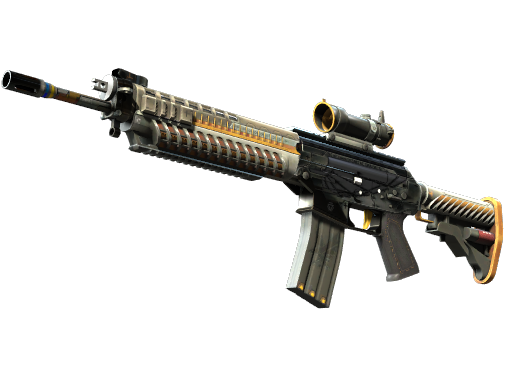
SG 553

SG 553

SSG 08

SSG 08

CS2 Rifle Skins FAQ

Which cs2 rifle skins are the most valuable?
The AK-47 and M4A4/M4A1-S have the most valuable skins, including the AK-47 Wild Lotus, AK-47 Fire Serpent, and M4A4 Howl. These skins are highly sought after due to rarity and iconic designs.
What determines cs2 rifle skin prices?
Rifle skin prices depend on rarity, wear condition, the weapon's popularity in competitive play, whether the skin is from a discontinued case/collection, and market supply and demand.

CS2 category guide: Rifles

Browse CS2 Skins and Compare Prices: Rifles

Skinbase currently groups 11 supported models or item types in this category. Choose a model to inspect its finish catalog, available variants, linked collections, summary statistics, and live prices from many marketplace providers.

What belongs in this CS2 category?

CS2 rifle skins cover the cosmetic finish catalogs for rifle-category weapons, including assault rifles and scoped weapons. Every model has its own set of finishes, collections, wear ranges, and supported special variants.

Category pages organize items by their base model before showing individual finishes. That structure makes it easier to separate the weapon or item you want from condition, rarity, collection, and market price filters available deeper in the catalog.

How to compare prices in this CS2 category

Start with the exact rifle model before comparing finish, rarity, and wear. Similar names or colors across two rifles do not make them the same market item, and StatTrak or Souvenir status creates another distinct variant.

Rifle pages connect each supported finish to its wear conditions, StatTrak and Souvenir versions, collections, and current marketplace data. Once you open an exact item, compare current provider offers and price history rather than relying on the category card or one marketplace snapshot alone.

How to browse this CS2 category

  1. Step 1Find the model.Search the category or scan the model cards to open the correct item family.
  2. Step 2Review its complete catalog.Use the weapon page to compare supported finishes, collections, variant availability, and market data.
  3. Step 3Open the exact item.Confirm the full market name and compare current listings through the .

Continue your CS2 skin research

Return to the to compare other categories, browse the to follow item sources, or review provider trading models in the .
Why use Skinbase for this CS2 category?

Live prices from many providersCompare frequently refreshed marketplace data without checking each provider separately.
Model-specific catalogsKeep every supported finish attached to the correct weapon or equipment model.
Variant-aware comparisonsDistinguish wear, StatTrak, Souvenir, pattern, and phase data wherever those variants apply.
CS2 item database
CS2 weapons catalog
CS2 collections directory
CS2 marketplace directory